

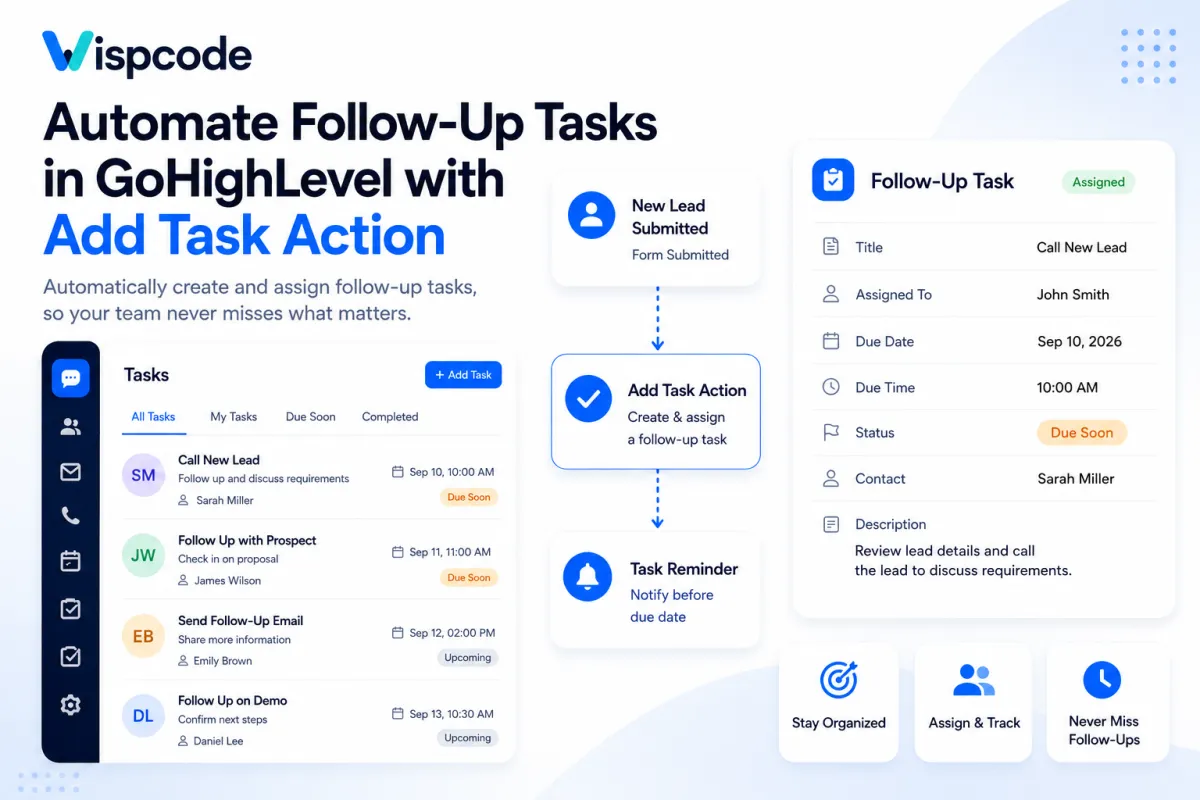
Create Follow-Up Tasks Automatically in GoHighLevel: Step by Step Guide

Create Follow-Up Tasks Automatically in GoHighLevel: Step by Step Guide

Create Follow-Up Tasks Automatically in GoHighLevel: Step by Step GuideWispcode Team
Published on: 31/08/2026

Learn how to automatically create and assign follow-up tasks in GoHighLevel using the Add Task action, with step-by-step setup, examples, and best practices

gohighlevel-automation-actions

At Wispcode, we deliver pioneering digital engineering strategies that empower businesses to grow with confidence.

Get in touch with us

Email:

Phone:

Hours: 24/7 avaailable

Copyright @2026 Wispcode. All Rights reserved.